How To Keep Your Phone Battery Healthy While Travelling
A practical step-by-step guide to how to keep your phone battery healthy while travelling, including preparation, instructions, common issues, tips, and next steps.
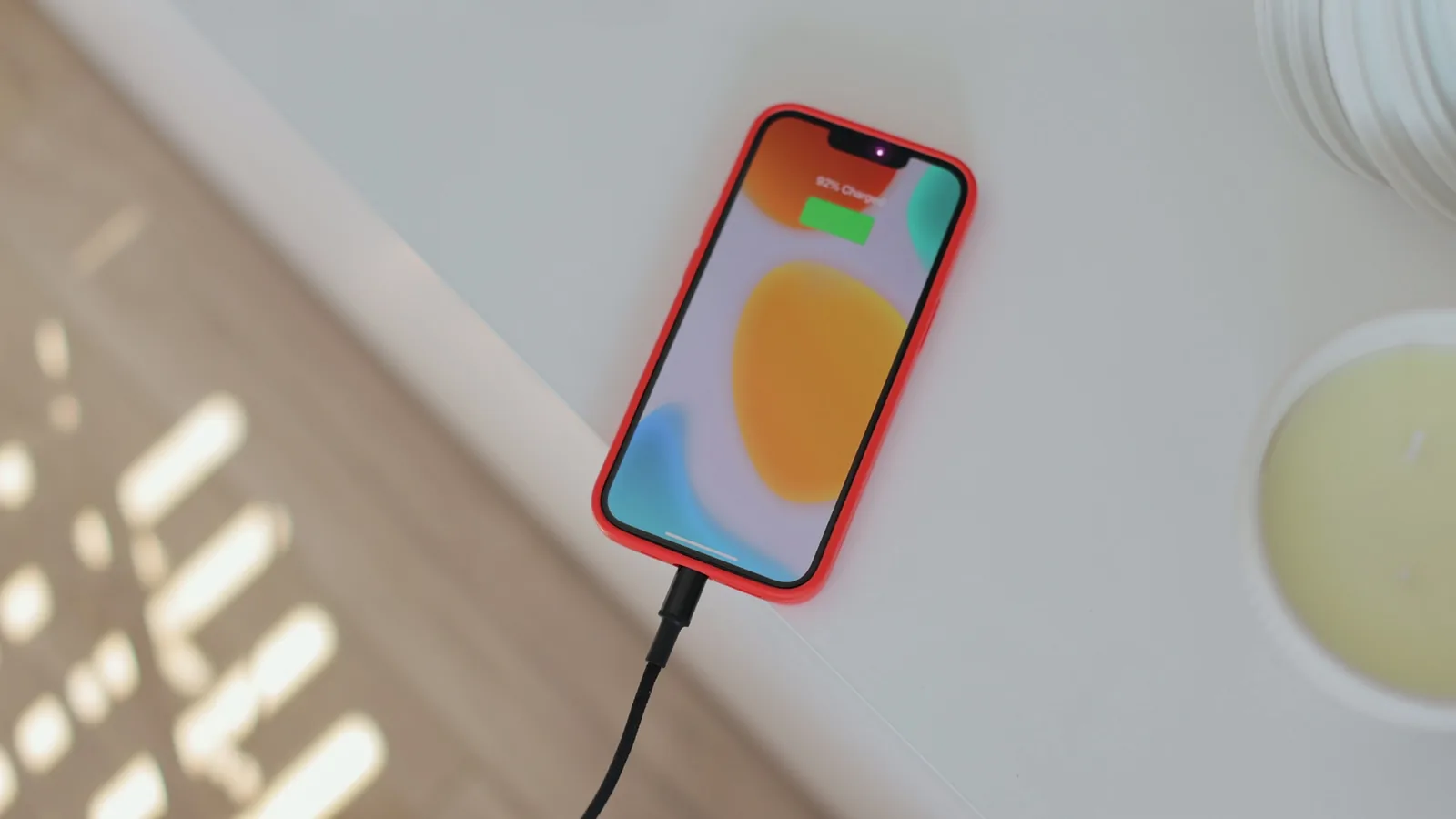
How To Keep Your Phone Battery Healthy While Travelling
Keeping your phone battery healthy while travelling involves managing charge levels, temperature, and usage patterns. This guide provides practical steps to extend battery lifespan during trips, including pre-trip preparations, daily habits, and recovery strategies. By following these tips, you can avoid the frustration of a dying phone and maintain battery health over the long term, ensuring your device stays reliable throughout your journey and beyond.
Fast Answer
- To keep your phone battery healthy while travelling, avoid full discharges and charge to around 80% during the day, using a power bank for top-ups. Keep the phone out of direct sunlight and extreme heat, as high temperatures degrade the battery faster.
- Enable low power mode and reduce screen brightness to lessen battery drain. Also, turn off unnecessary wireless features like Bluetooth and GPS when not needed. This reduces the number of charge cycles, preserving long-term battery health.
Before You Start
- Before you travel, check your phone's battery health in the settings menu under 'Battery' or 'Device Care'. If it's below 80%, consider a battery replacement before the trip to avoid unexpected shutdowns.
- Download offline maps, entertainment, and reading materials while on Wi-Fi. This prevents the need for constant streaming and reduces battery drain during the journey.
- Pack a high-capacity power bank with enough capacity to fully charge your phone at least twice. Ensure it's charged before you depart, and keep it in an easily accessible place like a carry-on bag.
- Review your phone's battery usage statistics to identify apps that consume a lot of power. Consider uninstalling or updating these apps, and adjust their settings to run less frequently in the background.
Step-by-Step Instructions
Begin with a Partial Charge
Before you leave your accommodation, aim to have your phone battery between 80% and 90% charged. This range is the optimal 'safe zone' for most lithium-ion batteries, as it avoids the stress of a full charge and the deep discharge of a 0% state. To achieve this, unplug your phone once it reaches 80% or use a smart plug that can automatically stop charging at that level. If you have a feature that limits charging to 80%, enable it. This practice is simple but effective: it reduces the voltage stress on the battery, which is a key factor in slowing down the battery's natural capacity loss over time. Starting your day in this range gives you enough power for normal use and allows you to top up with a power bank when needed, ensuring you never go below 20%.
Use an App to Monitor Temperature
During travel, your phone can heat up due to direct sunlight, warm pockets, or intensive tasks like navigation. Continuous high temperatures are one of the fastest ways to degrade a battery. To keep your battery healthy, download a reliable battery monitoring app that shows real-time temperature and voltage. Before using your phone outdoors, check the temperature reading in the app. If it exceeds 35°C (95°F), take action: move to the shade, remove any thick case, and stop using power-hungry features like GPS or video recording. Also, avoid placing your phone in a pocket that's tightly squeezed against your body, as trapped heat can build up. Monitoring the temperature helps you catch overheating early, preventing long-term damage and ensuring your phone works reliably when you need it.
Optimize Screen Brightness and Timeout
The screen is usually the biggest battery drainer. To keep your battery healthy during travel, reduce the screen brightness to the lowest comfortable level and set the screen timeout to a short duration, like 30 seconds. Use adaptive brightness instead of a fixed high setting, as it can adjust to ambient light and save power. In your display settings, enable a dark theme if available, especially on OLED screens, as it uses less power. Additionally, avoid using your phone in direct sunlight, as the screen will automatically ramp up brightness to its maximum to stay visible, which drains the battery quickly. By controlling the screen, you not only extend battery life between charges but also reduce the total number of charge cycles, which is a major factor in long-term battery health.
Take Short Top-Up Charges
Instead of waiting for your battery to drop to a low level and then charging it to 100%, adopt a strategy of frequent, short top-ups. Whenever you are near a power outlet—for example, during a meal or a rest stop—plug your phone in for 15–30 minutes to bring the battery up by a few percent. This reduces deep discharges, which are the cycles that stress the battery the most. Lithium-ion batteries have a limited number of charge cycles, and a cycle is counted when you use 100% of capacity, but not necessarily in one go. Deep discharges (going below 20%) and full recharges wear the battery faster. By topping up, you avoid these extremes, thus preserving battery capacity for a longer life. Also, unplug when you hit around 80%: you don't need to wait for 100%.
Reduce Background Activity in Settings
Many apps continue to run in the background, syncing data, fetching emails, or refreshing content, which drains your battery even when you're not using them. During travel, you're likely using your phone more sporadically, so these background activities become a significant drain. To keep your battery healthy, go to your phone's battery settings and see which apps have high background usage. Then, restrict background data for apps that you rarely use. You can set email fetching to manual, disable notifications for non-essential apps, and turn off automatic backups and updates until you're on Wi-Fi. Also, enable a system-wide 'Battery Saver' mode that automatically limits background activity. This reduces unnecessary battery consumption, meaning you'll require fewer charges during the day, and fewer charge cycles translate to a longer-lasting battery.
Finish the Day Without a Full Charge
At the end of the day, before you sleep, try to leave your phone battery between 30% and 80%. Avoid plugging your phone in overnight to charge it to 100%, unless you have a smart charging routine that pauses at 80%. Constant full charges put the battery under high voltage stress, which contributes to degradation. If you want to ensure your phone is charged for the next day, set an alarm to charge it during the morning while you get ready, and then unplug it when you are ready to leave. If you must charge overnight, use a smart plug or a scheduling feature on your phone to stop charging at a specific percentage. By avoiding overnight full charges, you reduce the time the battery spends at high voltage, which is a key factor in preserving its health over many months of travel.
Quick Reference
| Situation | Action | Why it helps |
|---|---|---|
| You're outdoors in hot weather and using GPS for navigation. | Check the phone's temperature in a battery monitoring app. If it's above 35°C, turn off the screen, navigate to a shady spot, and wait for it to cool before continuing. | Heat is the biggest enemy of battery health; managing temperature prevents permanent degradation and potential failure. |
| You're at a restaurant for lunch and your battery is at 35%. | Plug your phone into a charger or power bank for 20–30 minutes to top it up to around 60–80%. Unplug before you leave. | Frequent partial charges reduce the number of deep discharge cycles, preserving the battery's long-term capacity. |
| You're in a place with poor cell coverage, and your battery is draining fast. | Enable Airplane Mode for a short while, then turn it off. Or, you can go into Settings and disable mobile data for apps that you don't need, and set email to manual fetch. | When the signal is weak, your phone boosts its antenna power often, draining the battery faster; reducing background data and signal hunting saves power. |
Common Issues
- Phone battery drains rapidly during the day, sometimes dropping 30% in an hour.: Check battery usage settings to identify apps that are consuming power in the background. Restrict background activity for those apps, lower screen brightness, and enable the battery saver mode. Also, check the network signal: if you're in a low-signal area, your phone uses a lot of power to maintain the connection; consider using Airplane Mode for short periods when you don't need internet.
- The phone feels hot to the touch, especially while charging or using GPS.: Stop using power-intensive apps like navigation or video streaming. Remove the phone case if it's thick, move to a shaded area, and allow the phone to cool down before resuming heavy use. If the phone is hot while charging, unplug it and let it cool first. Use a battery temperature monitoring app to keep track and set a habit of checking it whenever the phone feels warm.
- Battery percentage drops unexpectedly from 20% to 0% at random times.: This often indicates that the battery needs calibration. Fully charge your phone to 100%, then use it until it turns off automatically, then charge it uninterrupted to 100% again. This can help recalibrate the battery indicator. If the issue persists, it may be time to have the battery checked by a professional, as it might be degraded and need replacement.
Advanced Tips
- Consider using a power bank that supports pass-through charging, allowing you to charge both the phone and the power bank simultaneously from a wall outlet. This method ensures your power bank is always ready and you can top up your phone without waiting for the power bank to charge separately.
- If your phone has an built-in battery health estimation tool, check it periodically. Some phones provide a maximum capacity percentage; if it drops below 80%, the battery is considered degraded and may need replacement. Use this information to plan maintenance before it becomes a problem.
- When storing your phone for an extended period, for example, during a long flight, turn it off or put it in Airplane Mode if you must leave it on. This prevents the battery from draining to zero, which can cause it to go into a deep discharge state that harms its lifespan.
Final Checklist
- Check your phone's battery health percentage before you travel and plan accordingly.
- Pack a charged power bank with enough capacity for at least two full charges.
- Enable battery saver mode and adjust display settings to lower brightness and timeout.
- Disable background data for non-essential apps and turn off location services when not needed.
FAQ
Should I charge my phone to 100% before a long trip?
It is generally fine to charge to 100% if your phone has a feature that stops charging at or near 100% and the battery is not exposed to high heat. However, leaving it at 100% for extended periods can put mild stress on the battery. For optimal health, you can charge to 80–90% instead and use a power bank for extra capacity. This approach avoids the high-voltage stress that comes with a full charge, especially if your phone continues to top up to 100% after it drops slightly.
Is it okay to use my phone while it's charging?
Yes, but be mindful that using power-intensive apps like games or GPS while charging can cause the phone to heat up, and high heat is harmful to the battery. If you must use your phone while charging, stick to light tasks like reading or texting, and keep the phone in a well-ventilated area. Also, ensure that the charger and cable are in good condition to avoid overheating.
How often should I recalibrate my phone's battery?
Calibration is only necessary if you notice that the battery percentage display is inaccurate, such as jumping from 20% to 0% or staying at 1% for a long time. In that case, perform a full discharge and recharge cycle every few months. For most users, modern batteries and software do not require frequent calibration. Instead, focus on maintaining healthy habits like avoiding extreme temperatures and partial charging.